Every extra second a customer waits at checkout drains actual revenue from an online store. According to Think with Google, 53% of mobile site visits are abandoned if a mobile page takes longer than 3 seconds to load. When page load time stretches from 1 second to 3 seconds, the probability of a visitor leaving increases by 32% based on Think with Google performance research.
Improving your website speed directly turns lost traffic into completed checkout orders while helping your product pages rank higher on search engines. We will walk through exact performance metrics, practical technical fixes like image compression and script minification, and how server infrastructure like NVMe storage protects your store revenue.
Short answer: Website speed impacts online sales by directly reducing cart abandonment, improving user engagement, and boosting search engine rankings. Slow pages frustrate shoppers, causing over half of mobile visitors to leave. Optimizing code, compressing images, using browser caching, and hosting on fast NVMe infrastructure converts lost traffic into measurable revenue growth.
Key takeaways
- Mobile visitors abandon 53% of sites taking over 3 seconds to load, making speed a direct driver of conversion rates.
- Google uses Core Web Vitals like Largest Contentful Paint (LCP) as direct ranking signals for search performance.
- Optimizing images, using browser caching, and cleaning up unused scripts provide immediate performance gains for online stores.
- Hosting infrastructure powered by NVMe storage and localized data routing delivers the low latency needed during peak traffic spikes.
Why Website Speed Directly Controls Your Online Sales
Website speed directly dictates whether an online visitor buys from your store or leaves for a competitor. When your pages take too long to render, shoppers do not wait around—they simply close the tab.
User patience on mobile devices has dropped significantly in recent years. Shoppers expect instant feedback when tapping a product image or adding an item to their cart. When your store lags, bounce rates spike immediately.
The data behind user drop-off is stark. As page load time goes from 1 second to 3 seconds, the probability of a bounce increases by 32% (Think with Google). Furthermore, 53% of mobile site visits are abandoned entirely if a page takes longer than 3 seconds to load (Think with Google).
The financial cost of these micro-delays builds up quickly. Imagine an online shop generating $1,000 in revenue each day. A one-second delay in load time can cut your overall conversion rate by roughly 7%. That minor lag costs the business $70 every single day, quietly wiping out over $25,000 in sales every year.
Even if you have set up all the essential components of an e-commerce website, slow loading times will stop buyers right before they enter their payment details.
How Page Speed Affects Your Google SEO and Core Web Vitals
Google explicitly uses page load speed as a direct ranking factor for both mobile and desktop searches. When your site opens fast, search engine bots crawl your product pages smoothly and reward you with higher search positions.
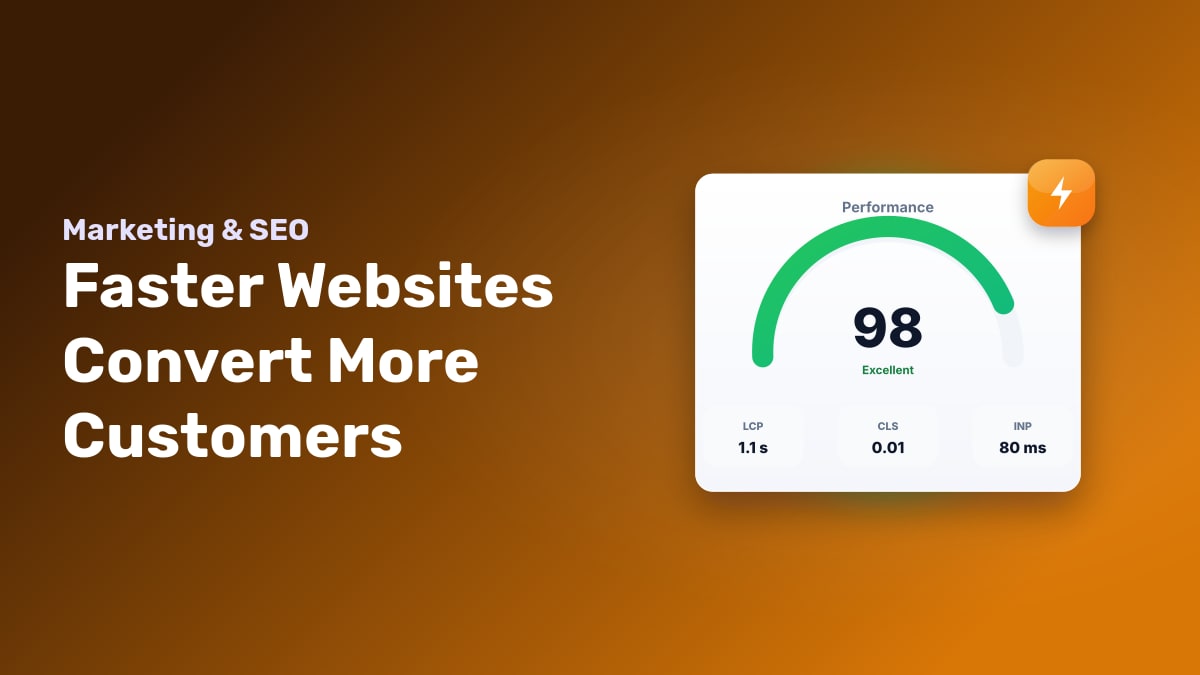
To measure user experience, Google relies on three benchmarks called Core Web Vitals. You need to meet these specific performance targets:
- Largest Contentful Paint (LCP): Measures how long it takes for the main content on a page to render, such as your main product image. Aim for 2.5 seconds or faster.
- Interaction to Next Input (INP): Measures how responsive the page feels when someone taps a button, opens a menu, or adds an item to their cart. A good score is 200 milliseconds or less.
- Cumulative Layout Shift (CLS): Measures visual stability while loading. If text shifts suddenly because an unoptimized banner loaded late, causing a visitor to click the wrong link, your CLS score takes a hit.
Ranking higher for product keywords delivers shoppers directly to your store who are ready to buy. When a buyer lands on a fast, stable page, they aren't forced to wait or deal with misclicks. They find what they need and finish checkout smoothly. Running your store through website speed test tools will help you catch these search performance issues before they hurt your organic traffic.
How to Accurately Measure Website Speed and Spot Bottlenecks
Before fixing a slow site, you need to identify exactly where the delay happens. Measuring performance correctly shows whether your server is lagging, your database is slow, or your page files are simply too heavy.
- Check field data and diagnostics in Google PageSpeed Insights. Go to
pagespeed.web.dev, enter your URL, and click Analyze. Review the top section for real-user field data to see how actual visitors experience your site. Next, scroll down to the "Diagnostics" panel to find specific technical issues, such as uncompressed images or render-blocking scripts. - Differentiate TTFB from full page render time. Time to First Byte (TTFB) measures how long the browser waits for the server to send the very first byte of data. A TTFB over 600 ms means your server or database queries need optimization. If your TTFB is under 200 ms but full page render takes over 3 seconds, the bottleneck is front-end assets like unoptimized JavaScript or uncompressed CSS delaying browser rendering.
- Inspect waterfall charts in GTmetrix. Test your site on
gtmetrix.comand select the Waterfall tab. This chart shows every single file loading in order. Look at the file size breakdown by category. For example, if a single hero image on a WooCommerce store front page takes up 4 MB of a 5 MB total page size, that single image is your main bottleneck.
Proven Technical Optimization Tips to Make Your Website Lightning Fast
Shaving seconds off your page load time doesn't mean you have to rebuild your site from scratch. You can fix most speed bottlenecks by reducing file sizes, cleaning up messy code, and serving static assets efficiently.
- Convert images to WebP or AVIF: Uncompressed photos are the most common cause of slow pages. Converting a standard 3 MB product JPEG into a WebP or AVIF format can drop the file size down to 300 KB without any visible loss in visual quality.
- Minify code and defer non-critical scripts: Strip out unnecessary spaces, breaks, and comments from your CSS and JavaScript files. Set non-essential scripts to load using
deferorasyncattributes so they don't block the browser from rendering your main content first. - Enable browser caching and use a CDN: Caching instructs a visitor's browser to save static elements like your logo, fonts, and stylesheets locally. Combining caching with a Content Delivery Network (CDN) delivers those cached files from a server physically close to your user.
- Cut down redirects and unused tracking tags: Every URL redirect forces the browser to pause and wait for a new response header. Audit your site tags to delete old ad pixels, unused heatmap tools, and extra scripts that trigger unnecessary background requests.
For more step-by-step front-end fixes, read our detailed guide on techniques to optimize website speed.
Why Server Infrastructure Is the Foundation of Website Speed
Frontend tweaks like compressing images help, but they cannot fix a slow server response time. If your web server takes over a second just to respond to a user request, no caching plugin can make your store fast.
On our support desk, we often see store owners stack five different optimization plugins on a server running old disk drives, only to wonder why their Time to First Byte (TTFB) stays above 1,000 milliseconds. Server hardware and physical distance set your site's absolute speed ceiling. Dedicated CPU cores and RAM let your server process database queries quickly when hundreds of shoppers search for products at once. Meanwhile, physical distance creates latency; routing a visitor in Dhaka to a server in Dallas adds roughly 200 milliseconds of network lag before data even starts moving.
| Infrastructure Setup | Read Speed | Typical TTFB | Best For |
|---|---|---|---|
| Standard HDD Hosting | 100–150 MB/s | 800–1,500 ms | Low-traffic static blogs |
| SATA SSD Hosting | 500–550 MB/s | 300–600 ms | Global sites with basic caching |
| NVMe Storage + BDIX Network | 3,000–7,000 MB/s | 20–80 ms | E-commerce stores targeting Bangladesh |
If your store serves customers in Bangladesh, host it where your audience lives. Pairing high-speed NVMe drives with localized network connectivity using our BDIX VPS infrastructure removes cross-border routing delays. For broader international reach, pick high-spec host locations near your primary buyer market. To learn how server position impacts your site, check our guide on how to choose the best hosting location for your website.
Measuring ROI: How Speed Optimization Translates to Sales Growth
Speed optimization delivers a clear return on investment by turning casual browsers into paying customers. When you measure performance metrics alongside your revenue, you can calculate the exact value of every millisecond saved.
Tracking Speed Gains in Google Analytics 4
To see the financial impact of your speed work, set up period-over-period tracking in Google Analytics 4. Compare a 30-day window before your performance updates against 30 days after.
Look at your E-commerce Purchases metric broken down by landing page and device type. When load times drop, you will typically see a direct upward curve in your conversion rates on those optimized pages.
Slashing Cart Abandonment at Checkout
The checkout funnel is where slow load times hurt revenue the most. When a customer clicks "Place Order" and sees a blank screen or a spinner for four seconds, anxiety kicks in. They wonder if the payment failed or if their card was charged twice, leading them to close the tab.
Trimming even one second off your cart and checkout scripts reduces drop-offs dramatically. A responsive checkout keeps buyers confident right through the final step.
Building Trust and Repeat Revenue
A fast website creates a smooth experience that brings shoppers back. Consider an store handling 1,000 monthly orders with an average order value of $50. A speed cleanup that lifts your conversion rate by just 0.5% yields 50 extra sales—adding $2,500 in monthly revenue without spending anything more on marketing.
Frequently Asked Questions
What is a good page load time for an e-commerce website?
An e-commerce site should load under two seconds on desktop and three seconds on mobile. The fastest online stores hit sub-second load times. Keeping your page speed under two seconds prevents shoppers from abandoning their carts and ensures your site meets Google's performance targets for higher search visibility.
What are Core Web Vitals and why do they matter for online sales?
Core Web Vitals are three metrics Google uses to measure user experience: loading performance (LCP), interactivity (INP), and visual stability (CLS). They matter for sales because poor scores lower your Google search rankings, while slow responsiveness or shifting layouts cause frustrated shoppers to abandon your store.
How can I test my website speed for free?
You can test your site using free tools like Google PageSpeed Insights, GTmetrix, or WebPageTest. PageSpeed Insights provides field data directly from real Chrome users, while GTmetrix helps you inspect waterfall charts to pinpoint slow plugins, unoptimized images, or delayed server response times.
How does web hosting affect website speed?
Your host controls the Time to First Byte (TTFB), which is how fast your server responds to a browser request. Low-quality hosts overload hardware, causing slow processing. Fast hosting built on NVMe storage, LiteSpeed web servers, and isolated server resources ensures your pages start loading instantly.
What is the difference between frontend speed optimization and server response time?
Server response time is how long your hosting server takes to process code and output HTML to the browser. Frontend speed optimization happens after that step, focusing on how quickly the browser downloads, renders, and displays assets like images, CSS, JavaScript, and fonts on the screen.
Where to Start with Your Site Speed
Start by testing your store on PageSpeed Insights to spot obvious bottlenecks. Compress your oversized images, clear out unused plugins, and set up browser caching. If your pages still take longer than two seconds to load after those tweaks, your server infrastructure is likely holding you back.
On our support desk, we see fast hardware like NVMe storage and LiteSpeed web servers resolve performance issues that code fixes cannot touch. If you want a faster website without technical stress, explore our web hosting plans. Our team will handle your entire site migration for free with zero downtime.